Preview
Download (Excel)
| File | Version | Format | Size | Download |
|---|---|---|---|---|
| XLSXFood cost calculator – blank (3 recipe sheets + summary) | Blank | Excel (XLSX) | 12.5 KB | Download |
| XLSXFood cost calculator – with examples (burger, salad, pasta) | Example | Excel (XLSX) | 13.3 KB | Download |
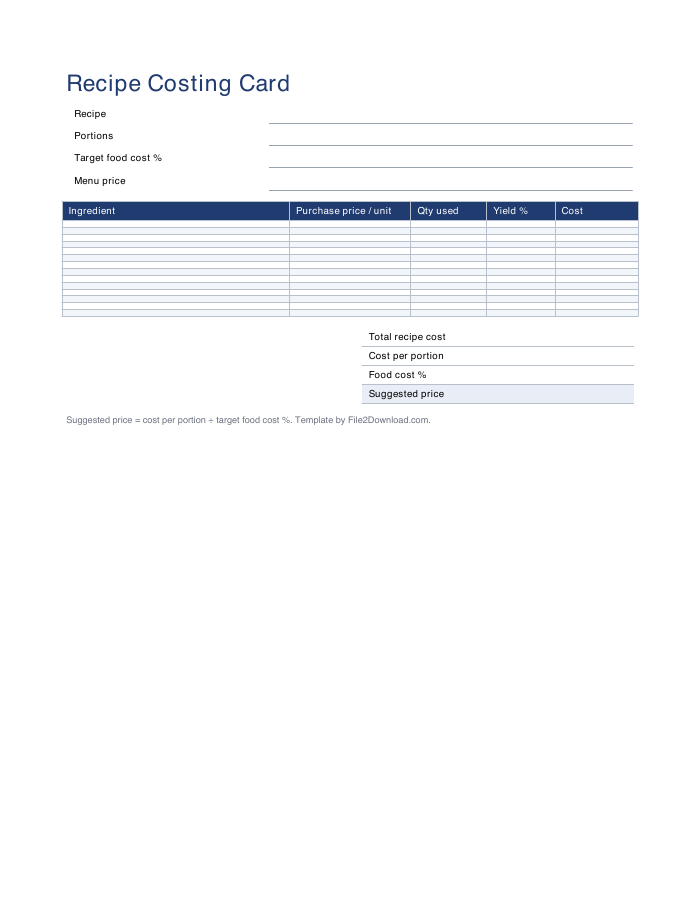
| PDFPrintable recipe costing card | Blank, for printing | 2.4 KB | Download |
The workbook has a Menu summary sheet, one sheet per recipe and a Target food cost reference sheet. Copy a recipe sheet to add more dishes. To use it in Google Sheets, upload the .xlsx to Google Drive and open it with Google Sheets — all formulas keep working.
How to calculate food cost percentage
- Unit cost = purchase price ÷ units per purchase (for example a $6.00 pack of 8 buns = $0.75 per bun).
- Ingredient cost = unit cost × quantity used ÷ yield %. Yield accounts for trimming and waste: if you lose 15% of a lettuce head, the yield is 85%.
- Cost per portion = total recipe cost ÷ number of portions.
- Food cost % = cost per portion ÷ menu price × 100.
Example: burger costing
The example file costs a classic cheeseburger with fries: 1/3 lb of beef, a brioche bun, two slices of cheddar, lettuce, tomato, pickles, sauce and 0.4 lb of fries. The template adds up each ingredient, shows the food cost % at the current $14.50 menu price, and suggests the price for a 30% target. Two more examples — a chicken Caesar salad and a 4-portion spaghetti marinara — show how portions and yield work.
Target food cost by restaurant type
| Restaurant type | Typical food cost % |
|---|---|
| Quick service / fast food | 25–30% |
| Fast casual | 28–32% |
| Casual dining | 28–35% |
| Fine dining | 30–38% |
| Pizza | 20–28% |
| Coffee shop / bakery | 20–30% |
These are common rules of thumb; check your own numbers monthly with an inventory count.