Download sample PDFs
| File | Pages | Features | Size | Download |
|---|---|---|---|---|
| PDFSample PDF – 1 page (text) | 1 | Text, headings, page numbers | 2.0 KB | Download |
| PDFSample PDF – 10 pages (text) | 10 | Text, headings, page numbers | 11.1 KB | Download |
| PDFSample PDF – 100 pages (text) | 100 | Text, headings, page numbers | 106 KB | Download |
| PDFSample PDF with images | 3 | 4 JPEG images + captions | 114 KB | Download |
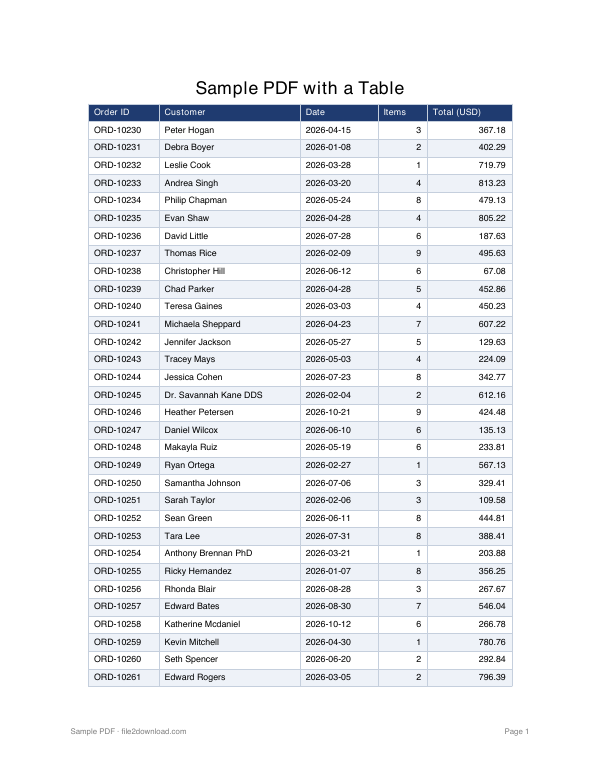
| PDFSample PDF with a table | 2 | 40-row table, header repeats | 4.4 KB | Download |
| PDFFillable PDF form | 1 | Text fields, dropdown, radio, checkbox | 16.1 KB | Download |
| PDFPassword-protected PDF (password: file2download) | 1 | AES-256 encryption | 2.6 KB | Download |
| PDFScanned PDF (image only, no text layer) | 1 | For OCR testing | 476 KB | Download |
| PDFSample PDF – 1 MB | 2 | Large file for upload tests | 998 KB | Download |
| PDFSample PDF – 5 MB | 7 | Large file for upload tests | 5.0 MB | Download |
| PDFSample PDF – 10 MB | 14 | Large file for upload tests | 10.0 MB | Download |
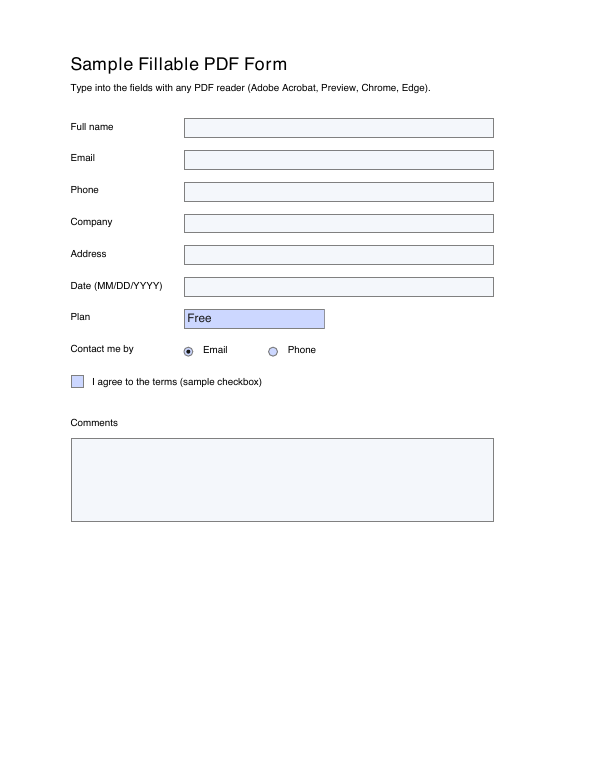
Fillable PDF form sample
sample-fillable-form.pdf contains real AcroForm fields: six text fields, a dropdown (Plan), radio buttons (Contact me by), a checkbox and a multi-line Comments box. Use it to test form filling, field extraction (for example with pypdf or pdf-lib) or flattening.
Password-protected sample PDF (password shown)
sample-password-protected.pdf is encrypted with AES-256. The password to open it is:
file2downloadUse it to check how your app handles encrypted files: the error message, the password prompt, or decryption in code.
Scanned PDF for OCR testing
sample-scanned.pdf is a page of text saved as an image only — there is no text layer, it is slightly rotated and has light noise, like a real office scan. Copying text from it returns nothing until you run OCR.
Large PDF files for upload testing
The 1 MB, 5 MB and 10 MB files hit their size almost exactly, which is useful for testing upload limits (for example, "files up to 5 MB"). Their pages contain random image data, so they do not compress further when zipped.
Direct links for developers (curl / wget)
curl -O https://file2download.com/files/sample-files/pdf/sample-1-page.pdf
wget https://file2download.com/files/sample-files/pdf/sample-100-pages.pdf
const res = await fetch("https://file2download.com/files/sample-files/pdf/sample-with-table.pdf");
const bytes = new Uint8Array(await res.arrayBuffer());