Preview
Download (Word / PDF)
| File | Layout | Format | Size | Download |
|---|---|---|---|---|
| DOCXBi-fold funeral program (4 panels) (Word) | Bi-fold, Letter landscape | Word (DOCX) | 41.9 KB | Download |
| PDFBi-fold funeral program (4 panels) (PDF) | Bi-fold, Letter landscape | 11.8 KB | Download | |
| DOCXTri-fold funeral program (6 panels) (Word) | Tri-fold, Letter landscape | Word (DOCX) | 41.9 KB | Download |
| PDFTri-fold funeral program (6 panels) (PDF) | Tri-fold, Letter landscape | 11.9 KB | Download | |
| DOCXSingle-page funeral program (Word) | One page, Letter portrait | Word (DOCX) | 41.4 KB | Download |
| PDFSingle-page funeral program (PDF) | One page, Letter portrait | 10.3 KB | Download |
Which layout to choose
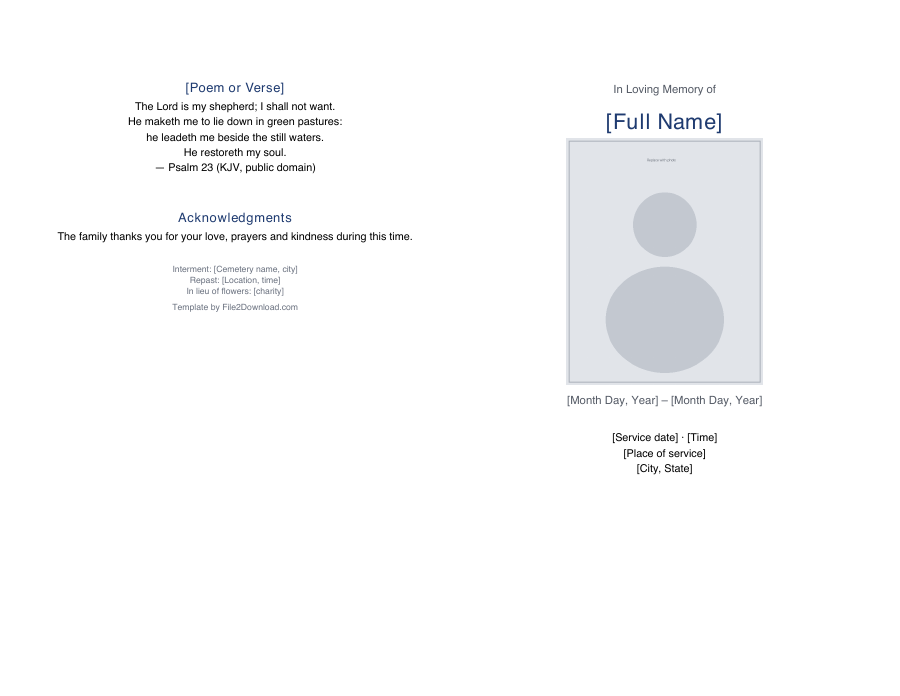
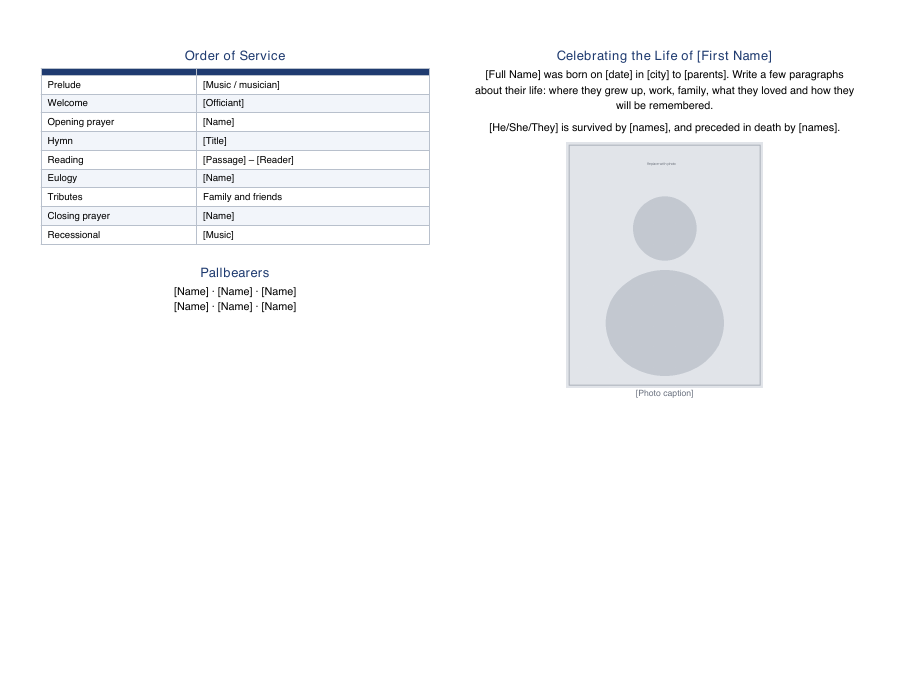
- Bi-fold (4 panels): one Letter sheet folded in half. Front cover with photo, inside for the order of service and life story, back for a verse and acknowledgments. The most common choice.
- Tri-fold (6 panels): one sheet folded in three, like a brochure. More room for tributes and photos.
- Single page: a one-sided sheet. Quick to print and good for small services or a memorial table.
How to fill in the template
- Open the Word file and replace every
[bracketed]placeholder — name, dates, service details. - Right-click the photo placeholder → Change Picture to add a photo.
- Edit the order of service to match the ceremony; delete rows you do not need.
- Add a poem, prayer or verse that meant something to your loved one. The template includes Psalm 23 as a placeholder.
- Save as PDF and print a test copy before printing the full run.
Printing tips
Order about 20% more copies than the expected number of guests. Matte paper of 32 lb (120 gsm) or card stock feels sturdier than regular printer paper. Most office supply stores can print and fold programs the same day from a PDF.